Everyday tools for Android

Your documents.
Your day.
Made simpler.

From the first page to the final note, find the right app for the files you work with every day.

Explore our apps
PDFWordExcelPowerPoint
Small screen. More possibilities.
All Document Reader & Editor promotional screenshot showing PDF viewingPDF Reader - PDF Editor promotional screenshot showing annotation tools
Read. Organize. Annotate.Meet the apps

Meet your everyday essentials

Two apps.
A little less paperwork.

Choose a document companion for multiple file types, or focus on your PDF workflow.

All Document Reader & Editor icon

For your everyday files

All Document
Reader & Editor

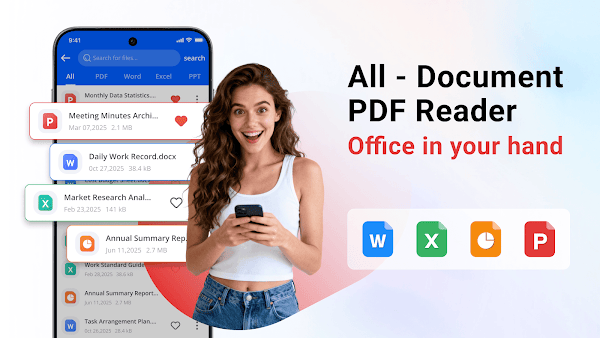
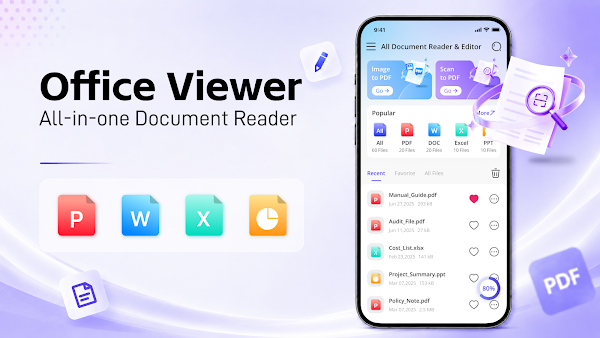
Open PDF, Word, Excel and PowerPoint files in one place. Find, sort and organize documents without losing track of the important ones.

  • View DOC, DOCX, XLS, XLSX, PPT and PPTX
  • Search, sort and favorite your documents
  • Read PDFs offline and convert images to PDF
Get it onGoogle PlayAndroid · Contains ads
All Document Reader & Editor overview from Google Play
One place for your filesPDF / DOC / XLS / PPT
PDF Reader - PDF Editor icon

For a closer look at PDFs

PDF Reader
– PDF Editor

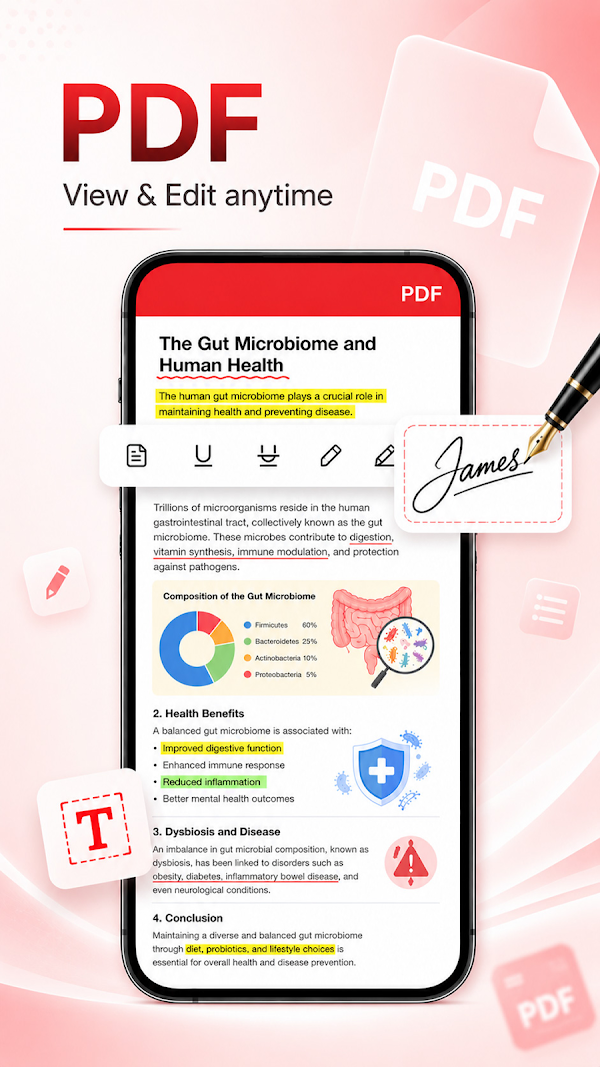
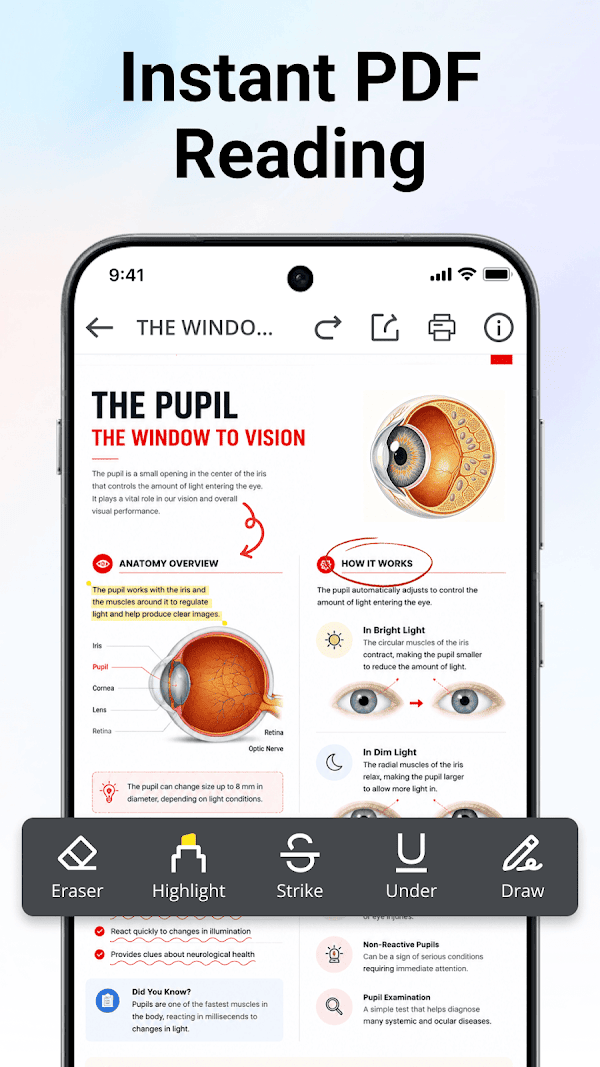
Read, edit and annotate your PDFs. Keep your notes close to the content and your important documents easy to find.

  • Zoom and navigate between PDF pages
  • Highlight, underline, draw and add notes
  • Search, favorite and share documents
Get it onGoogle PlayAndroid · Contains ads
PDF Reader - PDF Editor overview from Google Play
Make room for your ideasRead / Mark up / Share

A few useful answers

Before you
get started.

Which app should I choose?

Choose All Document Reader & Editor to work with several document formats. Choose PDF Reader - PDF Editor if reading and annotating PDFs is your main task.

Where can I download the apps?

Use the Google Play button for the app you want. The store page shows device compatibility, availability and the latest product information.

Do the apps contain ads?

Yes. Both Google Play listings indicate that the apps contain ads.

Where can I check privacy information?

Read our Privacy Policy, which covers both apps and this website. You can also review each app’s Data safety section on Google Play.

How can I get help?

Email [email protected] with the app name, your device model and a short description of your question.

Here to help

Questions, feedback
or a little help?

Tell us which app you use and what you need.

[email protected]